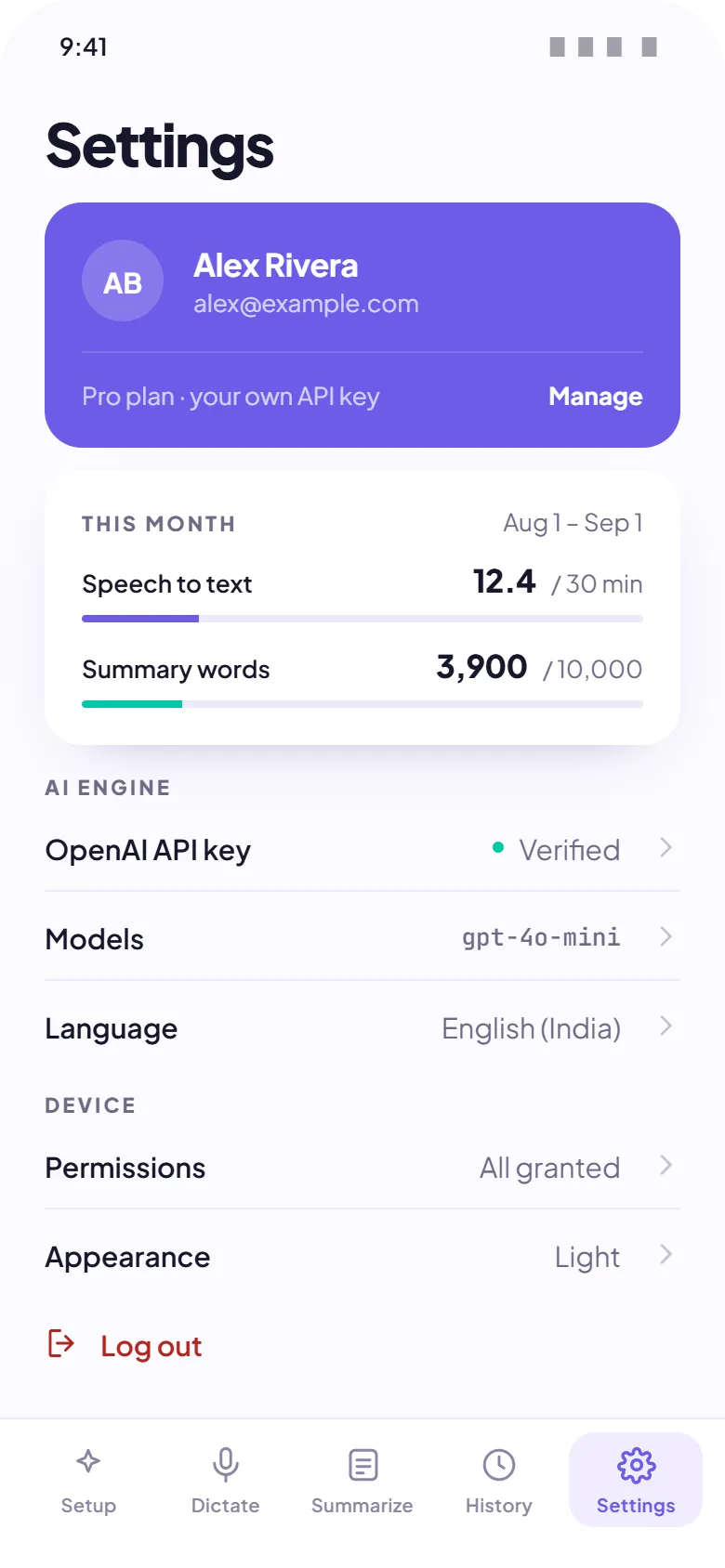
Hold a key. Say it. It's typed.
Push-to-talk dictation that lands your words wherever your cursor is: your IDE, terminal, chat, mail. Cleaned up, punctuated, and free of filler before it arrives.
- One hotkey, rebindable to anything
- Live waveform so you know it's listening
- Always copied to your clipboard as backup
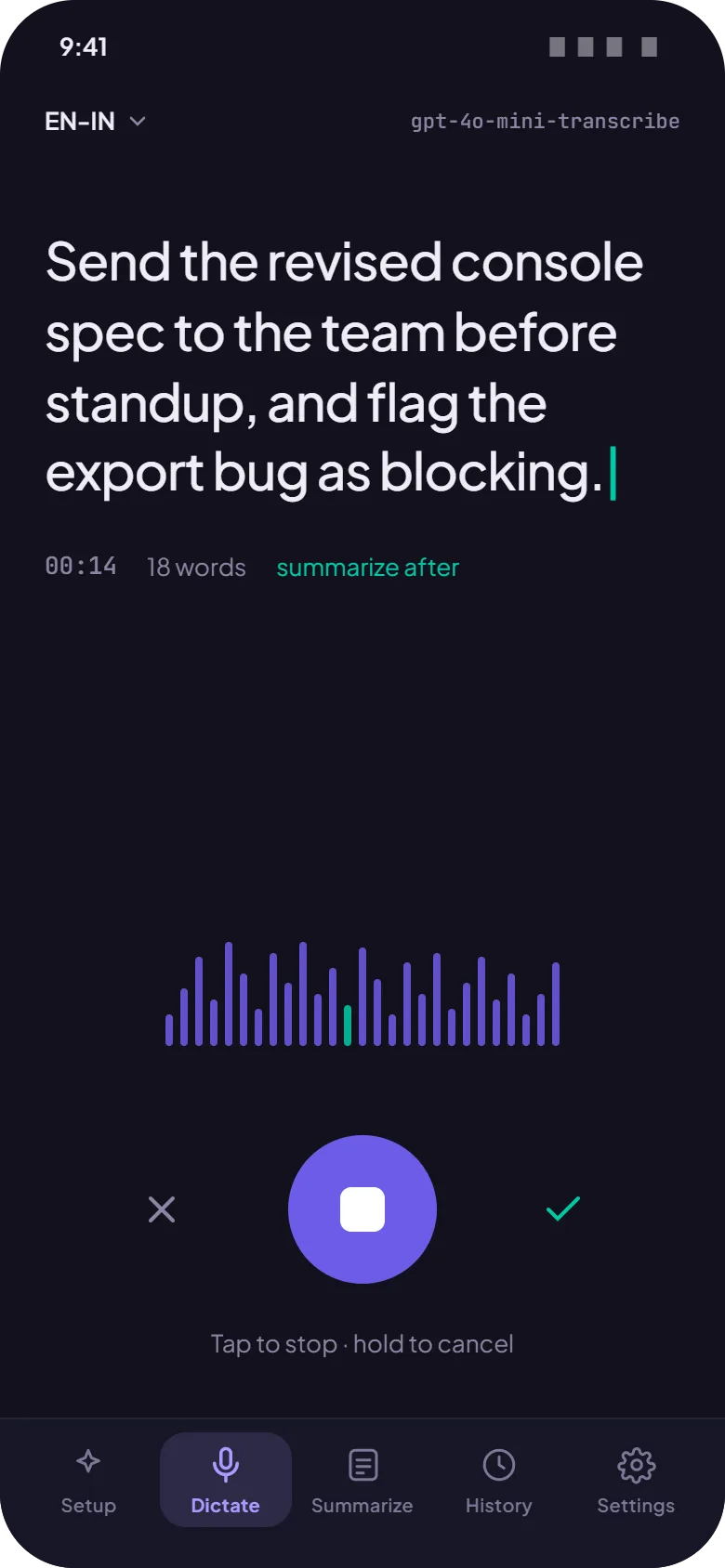
50+ languages, real accents.
Auto-detects the language you're speaking and keeps up with accented English and technical vocabulary. Pick your model and language once, or let it decide per recording.
- Automatic language detection
- Strong accent handling
- Technical vocabulary that survives transcription
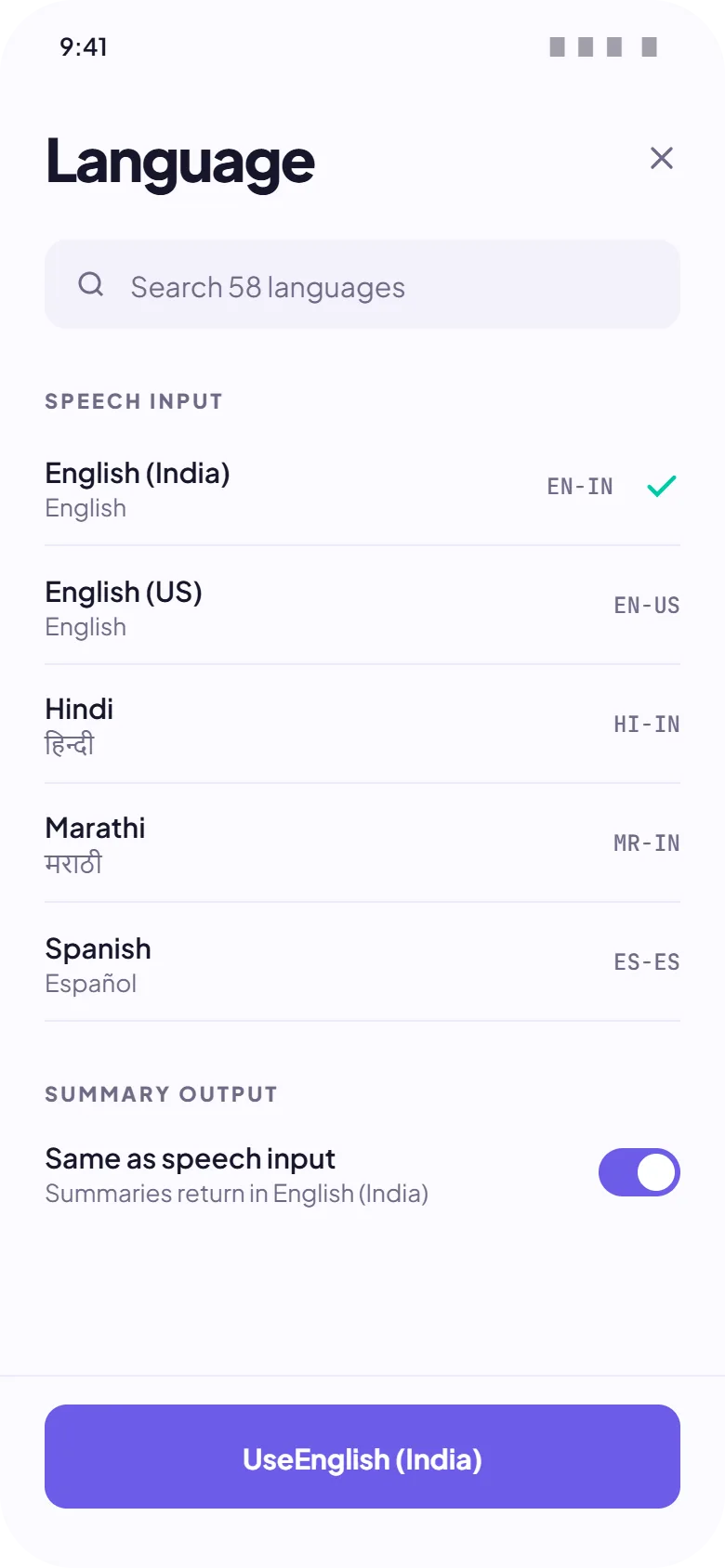
Transcribe and summarize files.
Drop in an audio or video file and get a transcript, or a summary when you don't have time for the whole thing. Export as plain text or subtitles.
- MP3, M4A, WAV, MP4, MOV in
- TXT, SRT, VTT out
- Summaries for the recordings you won't replay
Everything you said, findable.
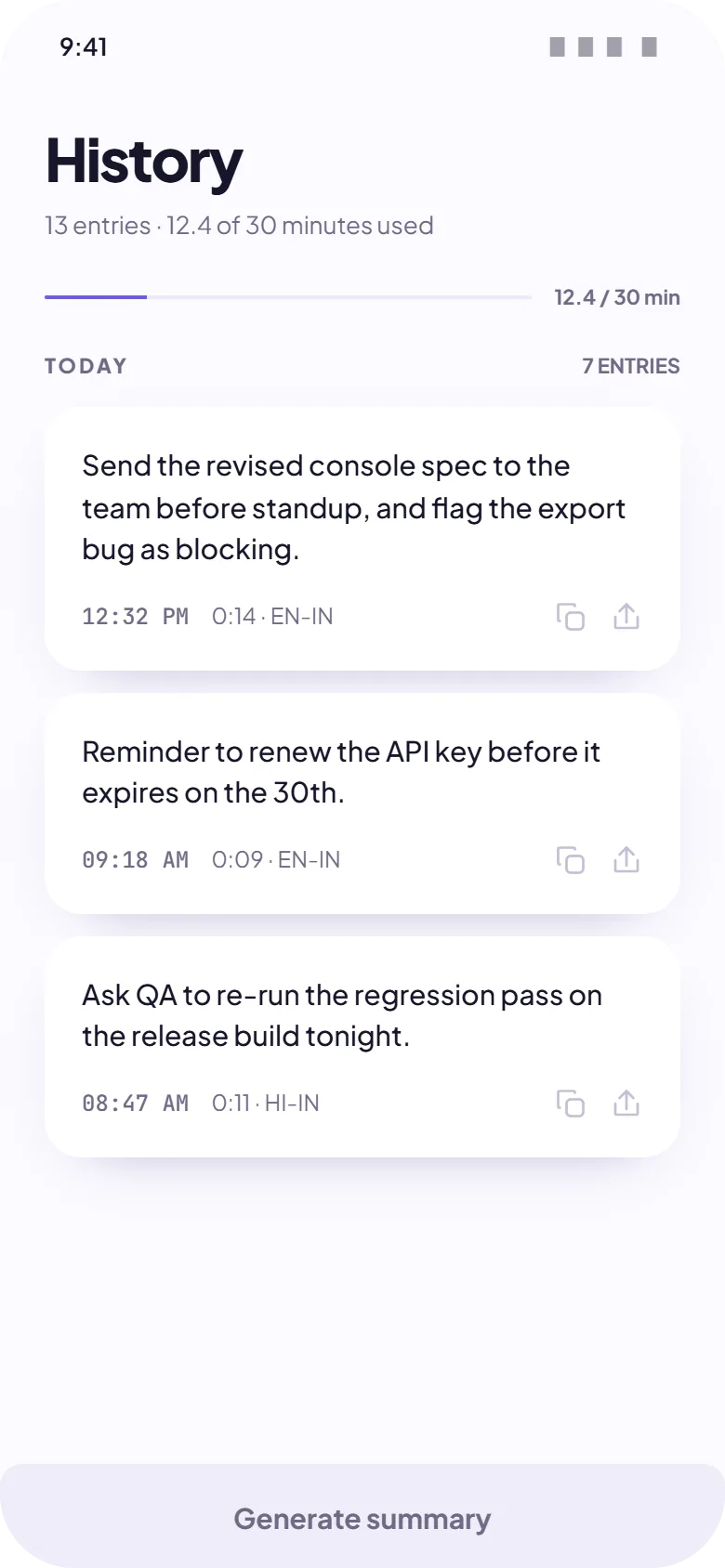
Every dictation is saved on your device with its transcript. Search old recordings, play the audio back, copy the text again. Delete any of it whenever you like.
- Stored locally, for your eyes only
- Search across all transcripts
- Inline audio playback
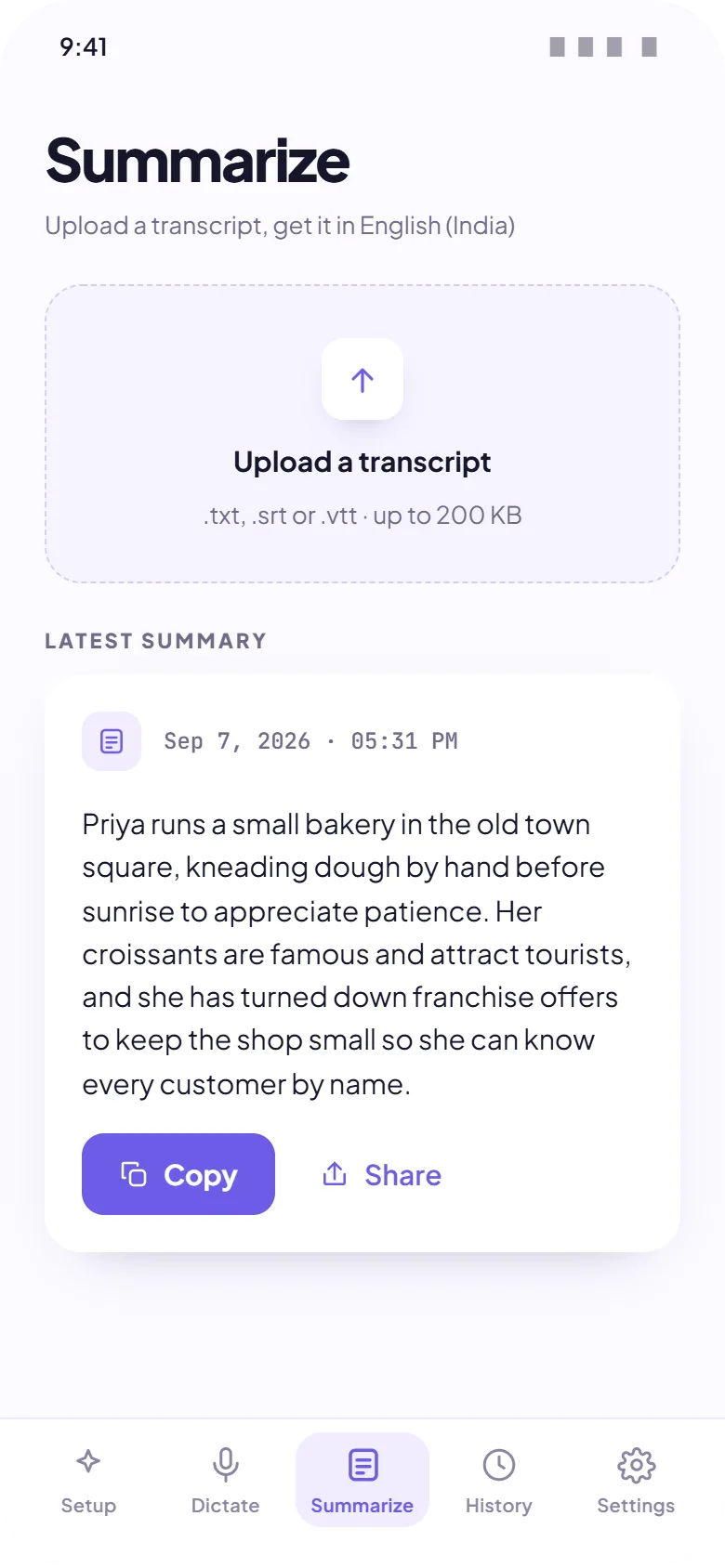
Set it once, forget it's there.
Your hotkey, your engine, your languages, your key. Dictio sits in the menu bar, starts with your machine if you want it to, and stays out of the way until you hold the key.
- Custom hotkeys and overlay options
- API key safe in the system keychain
- Usage and cost, always visible